
In this guide
To send an invitation by text, save the invitation as an image on your phone, open a new message to each guest or to a group, attach the picture and add one short line with the date and how to reply. The image carries the details; the message tells people what it is and asks for an answer.
1Make the invitation as a phone image
A digital invitation is a picture or a page you send instead of posting a card. The easiest kind to text is a tall image, 1080 x 1920 pixels, the same shape as a phone screen. Guests see the whole thing without zooming, and it fits a phone's story format as well.
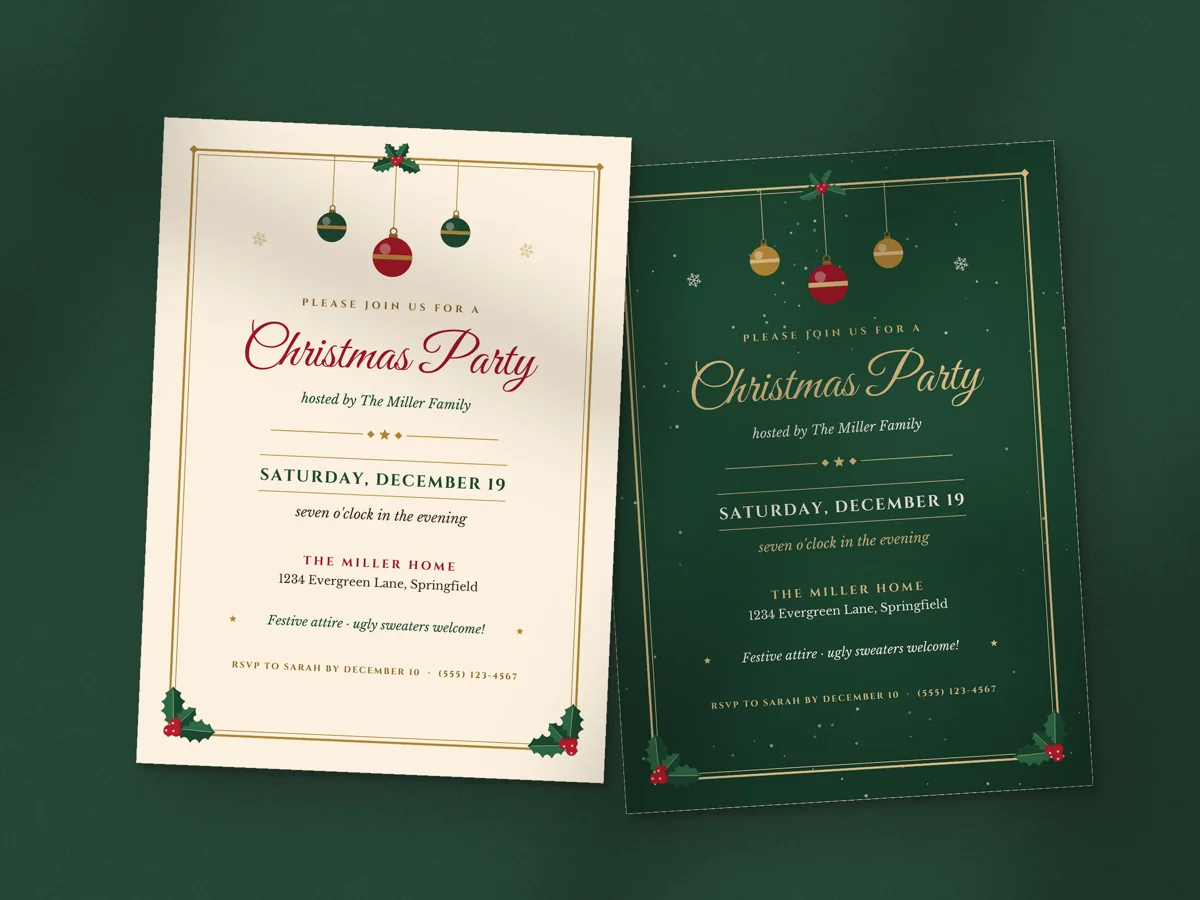
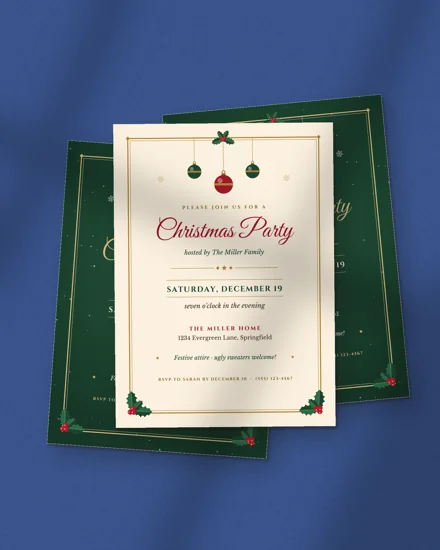
You can design one from scratch in any drawing or photo app, or start from a template that already has the layout. With a fill-in template you type the host, date, time, address and RSVP line, check the preview and download the finished image. Our Christmas party invitation works this way: you type your details in a web browser and get a 5x7 card to print plus a phone image of the same design.
Before you download, check three things: the date has the day of the week, the address is complete, and the RSVP line says who to reply to and by when.
2Save the image where you can find it
Download the image on the phone you'll send from. On most phones the file lands in Downloads or Files, not in the photo gallery. Open it and save it to Photos (or Gallery) so it shows up when you tap the attach button in your messaging app.
If you made the invitation on a computer, email it to yourself or put it in cloud storage, then save it from there on your phone.
Keep a PDF as well if some guests will get a paper card. Our invitations come with both, in the same design.
3Send the invitation by text, one by one or to a group
Sending the invitation to each guest one by one is the safe default. Replies come back to you alone, nobody sees the other guests' numbers, and a "can't make it" doesn't turn into a long thread for everyone.
A group message suits a small party where all the guests already know each other, like a tea party for six friends or a family dinner. Everyone sees who is coming, and questions about parking get answered once.
For a child's birthday, text the parents, not the class chat. Use each family's own thread so the children who weren't invited don't see the details.
Group texts to people on different kinds of phones can arrive as separate messages, and some carriers shrink pictures sent by text. If a guest says the image looks blurry, send it again by email or in a chat app.
4Write a short message to go with it
The picture holds the details, so the text can be two lines. Say what it is, when, and how to answer:
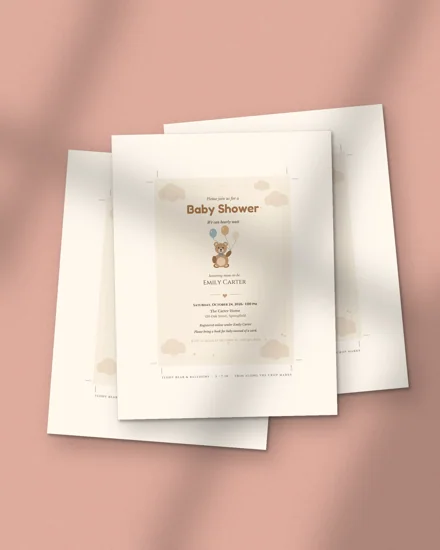
- "Hi Maria! We're having a baby shower for Jess on Saturday, November 14. Invitation attached. Could you let me know by November 1 if you can come?"
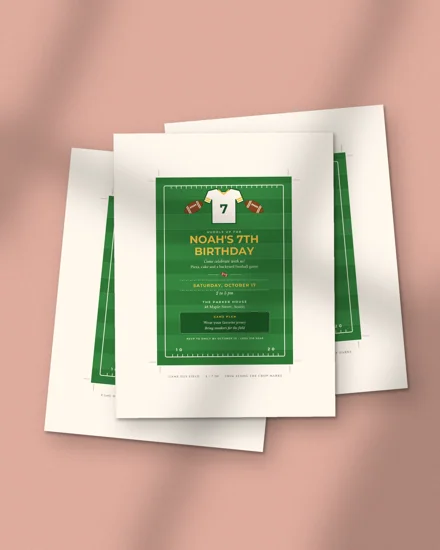
- "Noah turns 7! Football party at the park on Sunday the 8th at 2. Details in the picture. Reply yes or no by the 1st."
- "Our Christmas party is on December 19 and we'd love to see you. Everything's in the invite. RSVP by the 10th."
Put the RSVP date in the message as well as on the invitation. People reply to the text they just read, and many never zoom into the picture again.
For a baby shower, the baby shower invitation has a registry line and a note line on the card itself, so the message stays short.
5Collect RSVPs and send a reminder
Texted invitations get quick answers, but they are also easy to forget. Keep a simple list with three columns: guest, sent, answer. A note on your phone is enough. Mark each reply as it comes in.
A few days before the RSVP date, send one friendly nudge to anyone who hasn't answered: "Just checking if you can make it on Saturday, no worries either way." Then, a day or two before the party, send the address and start time again to everyone who said yes. That's the message people look up on the way.
If you need a head count for food, ask for it in the first message: "Let me know how many of you are coming."
Other ways to send it: chat apps, email and social media
The same image works everywhere, so pick the channel your guests check:
- Chat apps such as WhatsApp usually keep photos sharper than a plain text message, and they work for guests abroad.
- Email suits older relatives, work events and anyone who files things. Attach the image and paste the date, time and address into the email text too, since some email apps hide attachments.
- Stories and private messages on social media work for casual parties. Skip public posts if the invitation shows your home address.
Whatever you use, send it from the account guests will recognize, so it doesn't look like spam.
Digital or printed invitation?
A texted invitation is fast, free to send, and easy to change if the time moves. A paper card feels more personal and gets pinned to the fridge, which older guests often prefer.
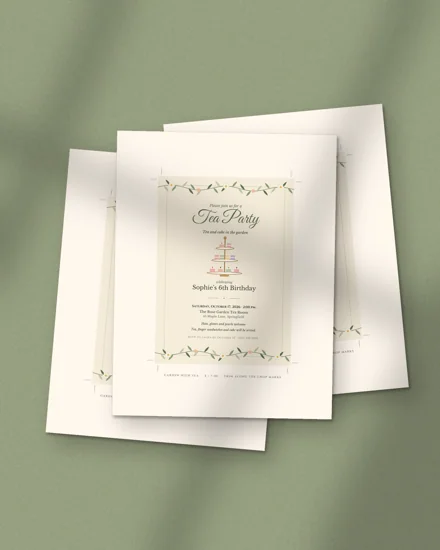
Many hosts do both: they print a few cards for grandparents and close family and text the rest. That's why each of our invitations comes with a 5x7 printable card and a phone image of the same design. The tea party invitation, for example, can go to grandma on card stock and to her friends by text. For printing tips, see how to print printables at home.
Questions and answers
Is it OK to send an invitation by text?
Yes, for most parties. Birthdays, showers, holiday parties and casual dinners are commonly sent by text now. For a formal wedding, many couples still mail paper invitations and use a text only for a save-the-date or a reminder.
What size should a digital invitation be?
A tall image of 1080 x 1920 pixels fills a phone screen and is easy to read in a message. A square image works too, but small lines may need zooming.
How do I send an invitation by text to a group?
Save the invitation image to your photos, start a new message, add all the guests as recipients and attach the image. Add the date and RSVP deadline, and use a group only when the guests know each other.
How do I send a birthday invitation by text?
Text the image to each child's parent in a separate message, with the child's name, the date and the RSVP date in the text. This keeps replies private and keeps uninvited classmates out of the thread.
Can I make a digital invitation for free?
Yes, you can draw one in any free design or photo app and export it as an image. A template saves the layout work: you type your details into a ready design and download the image.
How far ahead should I send a texted invitation?
Two to three weeks ahead suits most parties, and four weeks for a shower or a busy holiday weekend. Texts get read fast, so a reminder a few days before the RSVP date matters more than sending very early.