Download right after checkout on Etsy
Your order
  • Retro Arcade Pixel Wall Art: overview
  • Retro Arcade Pixel Wall Art: room
  • Retro Arcade Pixel Wall Art: included
  • Retro Arcade Pixel Wall Art: start level
  • Retro Arcade Pixel Wall Art: coin life
  • Retro Arcade Pixel Wall Art: score over
  • Retro Arcade Pixel Wall Art: paper sizes

Retro Arcade Pixel Wall Art

€5.90Instant download

Six 8-bit arcade screen posters for a game room, from Press Start to Game Over. 300 dpi JPGs in 5 print ratios, up to 24x36 in.

Posters
6
Files
30 JPGs at 300 dpi, in 4 ZIP folders
Sizes
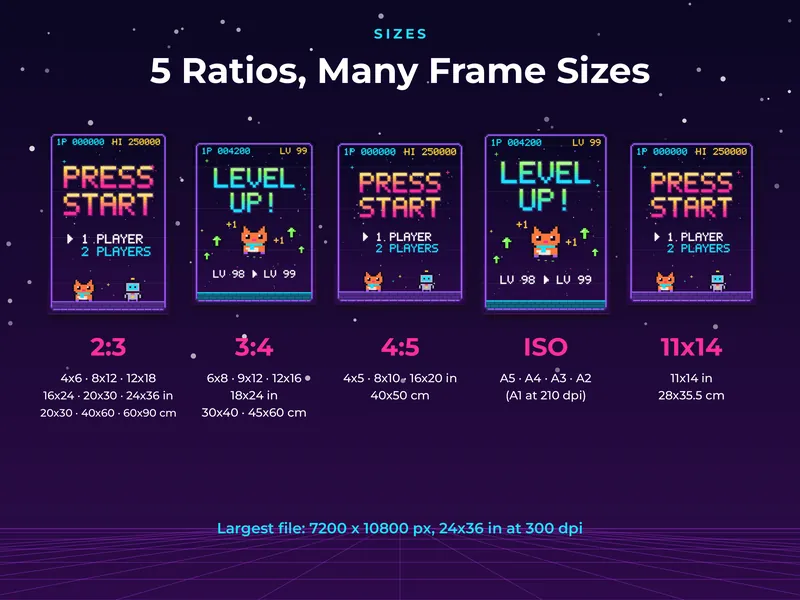
2:3, 3:4, 4:5, ISO A5 to A2 and 11x14 in
Largest print
24x36 in (60x90 cm)
Delivery
instant download on Etsy

Checkout is on Etsy. Your files are ready to download as soon as you pay.

Save to Pinterest
About this printable

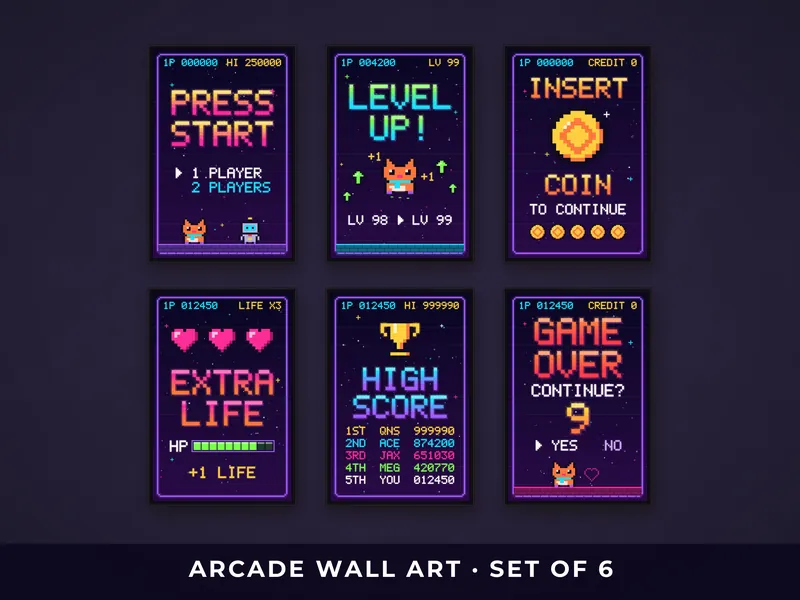
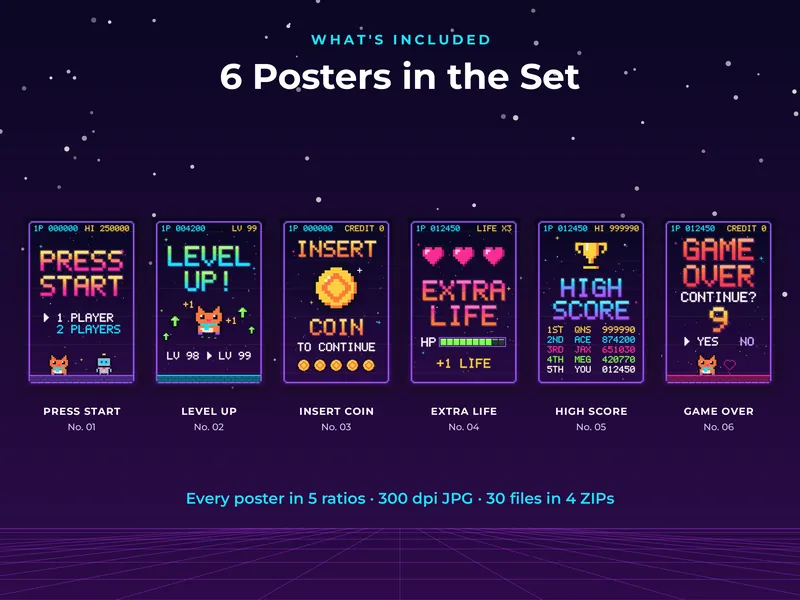
The six prints look like screens from an old arcade cabinet. Each has glowing pixel lettering on a dark, starry background with faint scan lines, framed by a pixel border. Together they read like one game played from start to finish: the title screen, a level up, a coin, extra lives, the high score table and the final countdown.

A small pixel cat in a cyan scarf shows up on three of the posters, and on the title screen a little robot stands next to it. The cat, the robot and the names on the high score table were made up for this set, and none of the screens come from a real game. The lettering uses a pixel alphabet drawn for these posters.

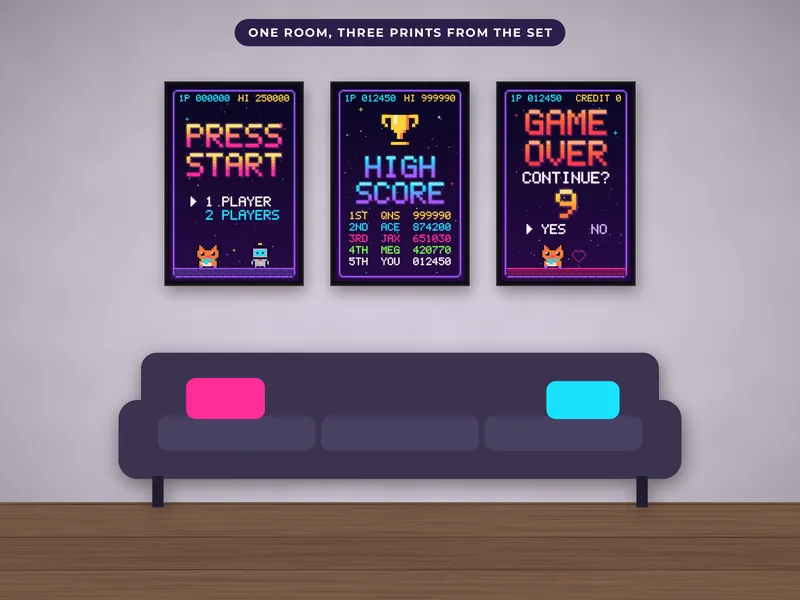
Because the posters started as vector art and were exported at full size, the pixel edges stay crisp even on a big print. They suit a gaming setup, a dorm, a basement bar or the wall behind a desk.

What's inside

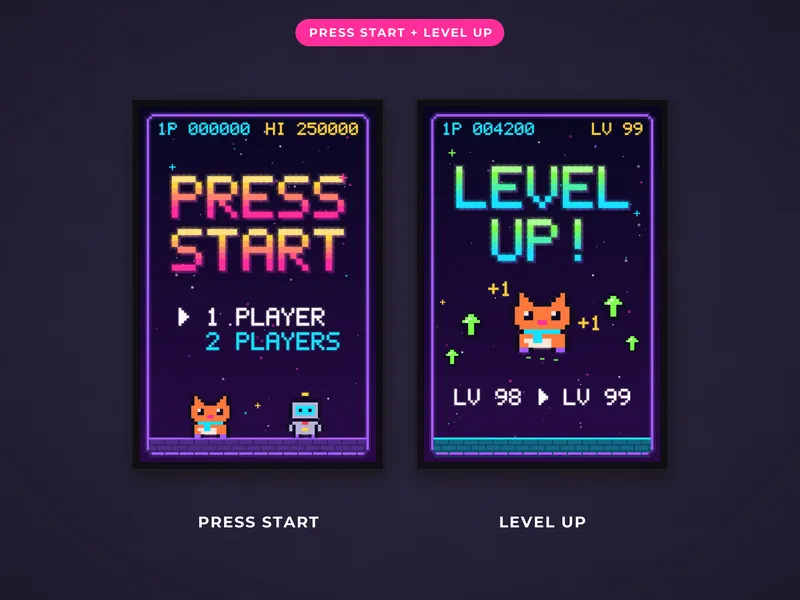
  • 01 Press Start: title screen with a 1 or 2 player menu
  • 02 Level Up: the cat mid-jump with green arrows
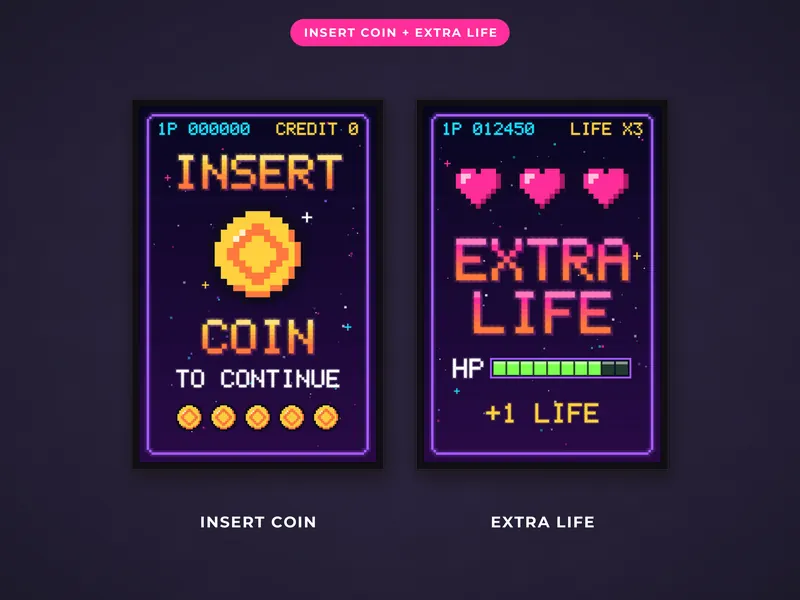
  • 03 Insert Coin: a large gold pixel coin
  • 04 Extra Life: three hearts and a pixel HP bar
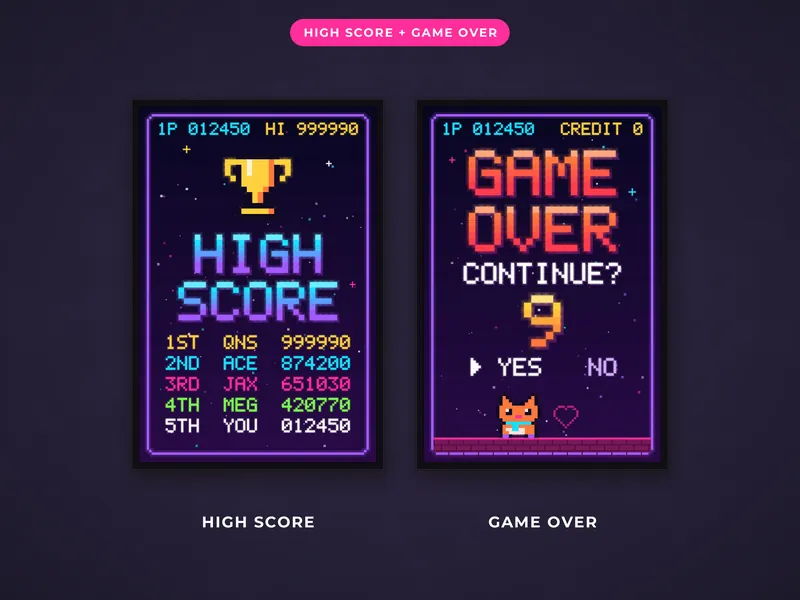
  • 05 High Score: a trophy and a top 5 score table
  • 06 Game Over: a countdown asking if you want to continue
  • 2:3 ratio: 4x6 to 24x36 in, 20x30 to 60x90 cm
  • 3:4 ratio: 6x8, 9x12, 12x16 and 18x24 in
  • 4:5 ratio: 4x5, 8x10 and 16x20 in, 40x50 cm
  • ISO A5 to A2, and 11x14 in
  • A how-to-print guide (PDF)

How to print

Unzip the folder for your frame size, upload the JPG unchanged and choose the print size, with no resizing needed. The dark background stays deep on matte or satin photo paper, while thin office paper can look streaky. At 16x20 in or bigger, send the file to a print shop or photo lab. The color is better and your ink lasts. At home, choose Actual size, or borderless printing if your printer offers it.

Questions and answers

Can I open the files on my phone?

Yes. The Files app on iPhone or Files by Google on Android opens ZIP folders.

Which folder fits 8x10 frames?

The 4:5 folder. It also covers 4x5 and 16x20 in, and 40x50 cm.

Will the colors match my screen?

Printed colors look softer than they do on a backlit screen. The files are 300 dpi, so the detail holds at every listed size.

You might also like

€5.90Buy on Etsy